> ## Documentation Index
> Fetch the complete documentation index at: https://docs.overseer-bot.net/llms.txt
> Use this file to discover all available pages before exploring further.
# Logs
> Configure logging for various Discord events
Requires **Manager** or **Guild Administrator** permissions
# Overview
The logging module simply logs various Discord events to a channel.
## Voice Logging
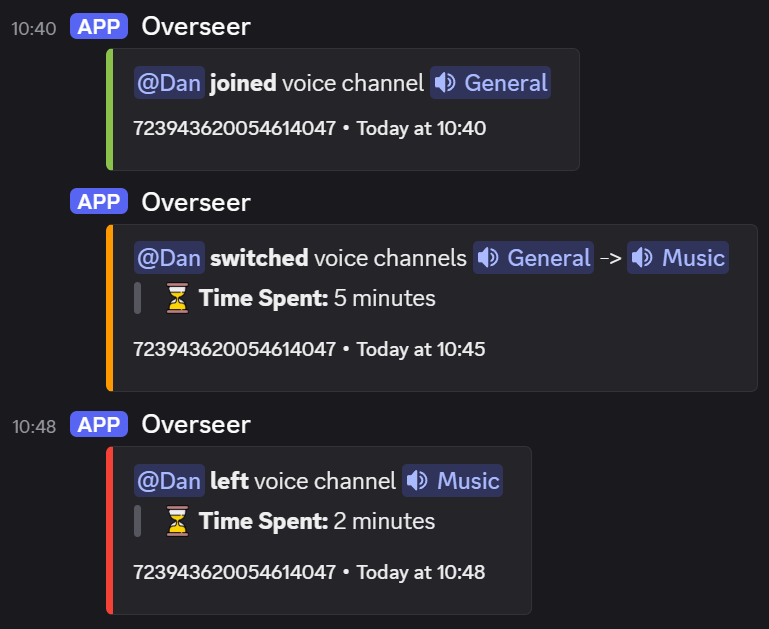
Enabling this will log every voice **join**, **move**, and **leave**.\
Overseer will also track **how long** a user spends in the voice channel for you, and display this when they move or leave a voice channel.
### Preview
 ## Message Logging
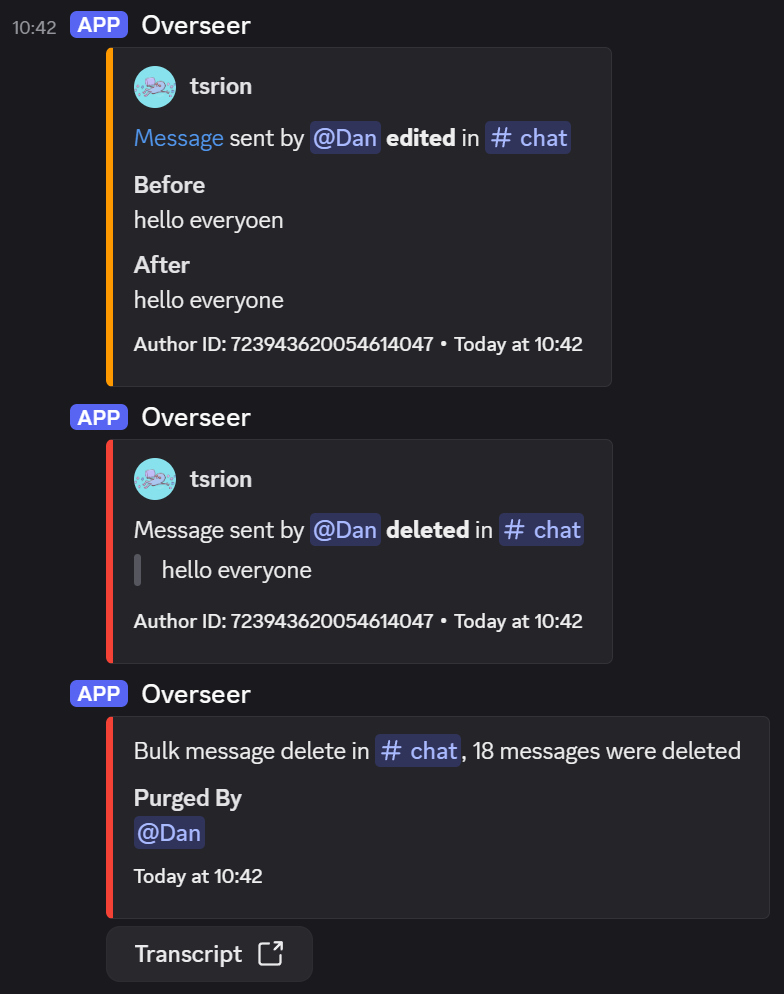
Enabling this will log every **message delete**, **message edit** and **message purge** (aka bulk delete).\
Message purges will **generate a transcript** of every message deleted, which you can view from your web browser.
### Preview
## Message Logging
Enabling this will log every **message delete**, **message edit** and **message purge** (aka bulk delete).\
Message purges will **generate a transcript** of every message deleted, which you can view from your web browser.
### Preview
 ## Configuration
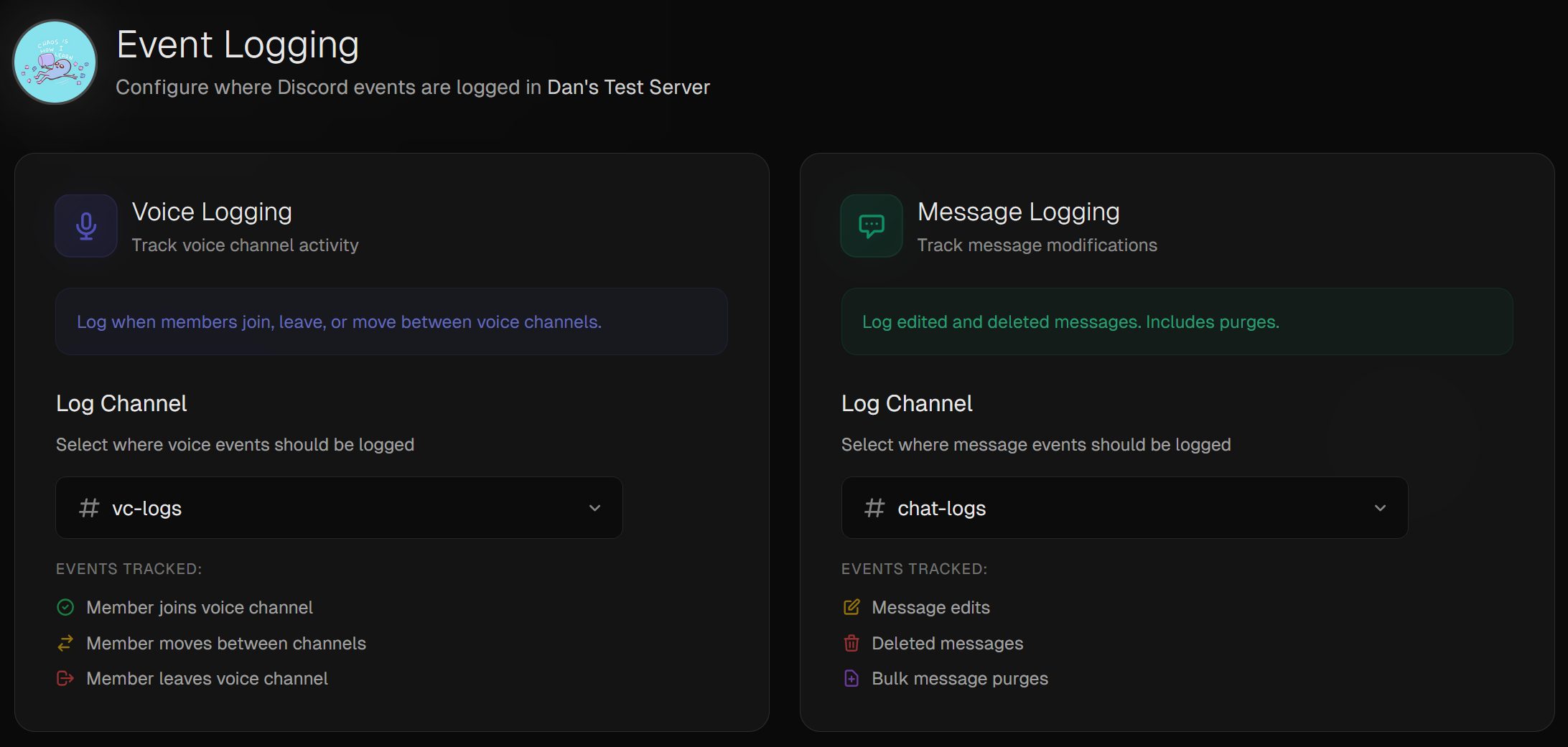
Logs can be simply and intuitively configured via the [dashboard](https://overseer-bot.net/guilds).
Overseer needs the **Manage Webhooks** permission in these channels.
## Configuration
Logs can be simply and intuitively configured via the [dashboard](https://overseer-bot.net/guilds).
Overseer needs the **Manage Webhooks** permission in these channels.